Galactic Racer Act 3 Podraces: Can You Skip Them and Keep Your Rhythm?
Prepare for Act 3 Podraces in Galactic Racer: check available route options, practice the vehicle switch, and separate driving problems from token advice.
By Star Wars Galactic Racer Guide editorial team Last updated · Published
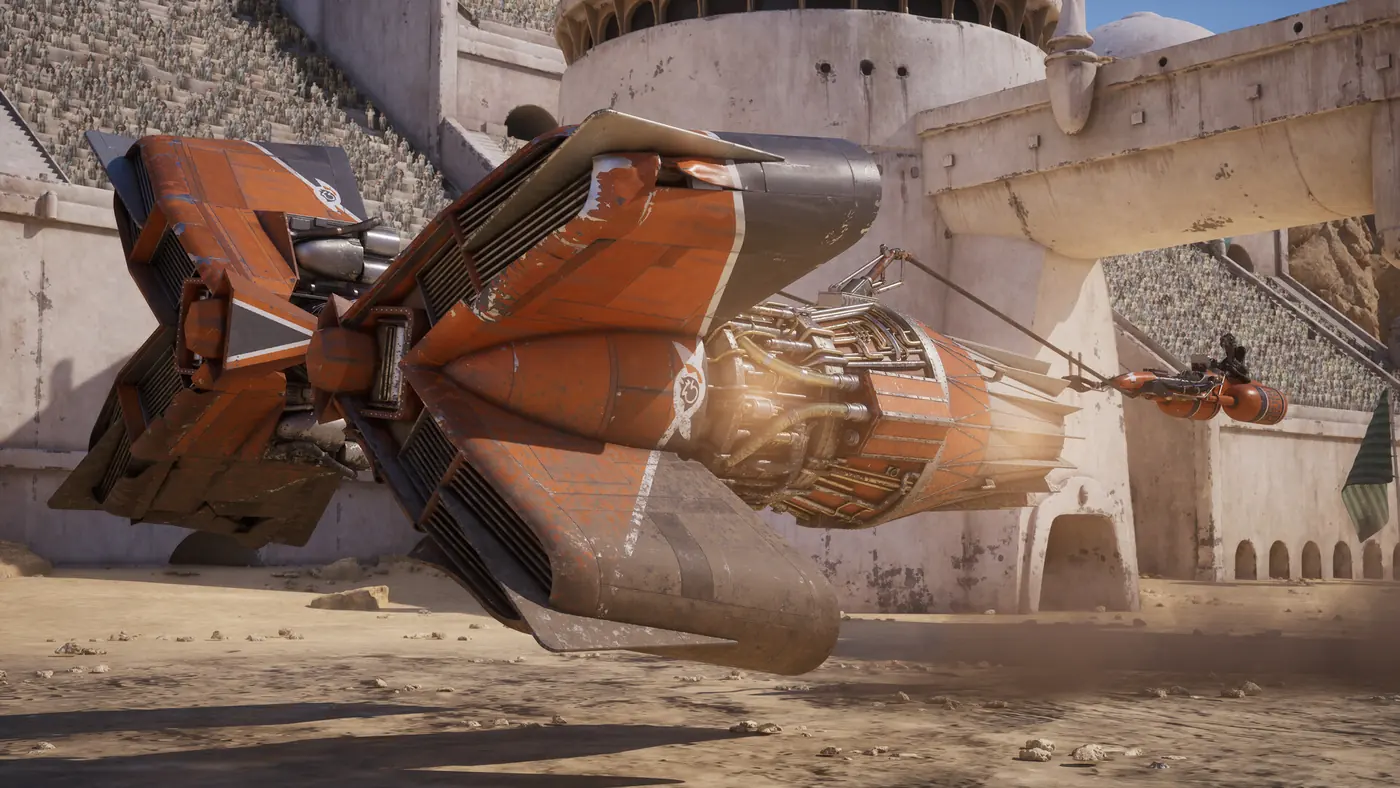
Can you skip the Act 3 Podraces?
Do not plan your campaign around an unverified skip switch. Players discussing Act 3 describe Podraces appearing at the end of planetary sections, and a reply says they cannot be navigated around. That is community reporting, not a developer guarantee about every campaign state. Check the options your current event screen actually presents. If no alternative route is available, prepare for the vehicle change rather than treating a joke about fast-forwarding as a documented gameplay feature.
The practical problem is not always winning the Podrace. The player who raised the question explained that switching away from a familiar vehicle interrupted their driving rhythm. That is a useful distinction. A guide about earning more resources does not automatically solve discomfort with a different craft. This page focuses on entering and leaving the Podrace with a deliberate practice plan, while the existing Tales of Podracing overview explains the broader campaign and Arcade distinction.
Step 1: Identify the event before changing your plan
Read the next event and available route choices before assuming the whole tour now uses a different vehicle. Distinguish a particular Podrace from the campaign mode around it. If the interface offers a genuine alternative, inspect its consequences before selecting it. If it offers none, stop searching unrelated audio or graphics menus for a skip control that has not been verified. Knowing what the current event actually asks is more useful than repeatedly reopening screens because another player disliked the same section.
Keep your existing campaign context in mind. A different act, unlocked option, or event selection can make another player’s screenshot a poor comparison. Note the act and event name shown in your own game rather than relying only on the phrase end of each planet. This guide does not invent a complete mandatory event schedule. The recent discussion establishes a specific player’s experience and a common question; your installed game’s current choices remain the relevant guide to the action you can take now.
Step 2: Separate access practice from campaign progress
If you want to become comfortable with Podracers without interrupting another campaign run, inspect the Arcade options available to you. The existing game-mode coverage distinguishes an Arcade Podracing route from the campaign’s progression. Use a suitable practice event to learn the craft’s response rather than spending the opening of every campaign Podrace rediscovering how it turns. Confirm the actual event and vehicle selection before starting; a speeder practice lap is not a direct substitute for driving a Podracer.
Choose one familiar practice setting where possible. The first goal is to complete a controlled run with a readable line, not to set a record or copy another player’s fastest setup. Notice where you over-correct, where the craft’s size changes your clearance, and where your normal visual reference arrives earlier than expected. Those observations are more useful than a blanket statement that every Podracer must be driven in precisely the same way. Keep the comparison narrow enough that you can identify one adjustment for the next attempt.
Step 3: Build a transition routine
Before the campaign event begins, take a moment to recognize that you are changing craft and expectations. Read the starting information and let the opening section establish the vehicle’s response. Avoid committing immediately to the exact line or timing you used in the preceding race merely because that rhythm still feels natural. A deliberate transition can prevent the first mistake from turning into a series of increasingly aggressive corrections while you try to recover the previous vehicle’s feel.
Pick one driving priority for the opening stretch: maintain a stable line, leave room around obstacles, or avoid an unnecessary contact. This is practice advice, not a verified optimal racing sequence. Once control feels predictable, return attention to the event objective and the traffic around you. Trying to fix every corner at once can make a short Podrace feel more chaotic than it needs to be. A simpler routine gives you a way to assess improvement even if you do not enjoy the interruption itself.
Step 4: Treat resource suggestions as another question
The discussion includes suggestions involving League Tokens and named Favors. Those replies should not be treated as a universal answer to a vehicle-switch complaint. More chances to continue a run do not create a verified skip option, and a Favor’s value depends on its current description and your campaign situation. Read the options the game actually offers before spending anything. Do not assume a community-recalled name or effect is unchanged across every build, unlocked roster, and phase of the campaign.
If your actual problem is running out of opportunities after losses, review League Token guidance. If your problem is the craft itself, practice remains the more direct comparison. Keeping those branches separate prevents you from repeatedly adjusting campaign resources while never testing the driving action that costs you control. It also makes it easier to explain what you need from a future update: a skip preference, a different event structure, or clearer preparation for the change.
Step 5: Return to your usual vehicle deliberately
After the Podrace, inspect the next event and vehicle context before carrying the new rhythm forward automatically. The transition works in both directions. A line that felt comfortable with the Podracer may be a poor starting assumption for the craft you return to afterward. Use the first readable section to settle back into the selected vehicle and then evaluate the route ahead. This avoids treating every subsequent mistake as proof that the campaign altered your setup without showing you.
If you suspect a configuration changed, open the relevant customization screen at a sensible stopping point and compare the actual selection. The October quality-of-life update warned about campaign customization resetting after installation, but that historical warning does not prove an ordinary vehicle switch now resets every setup. Inspect the evidence before blaming the event. For a separate layout question, use keyboard preset practice. For general campaign preparation, return to campaign run planning and keep event choice separate from handling practice.
FAQ: Is there a confirmed fast-forward or removal method?
No verified skip or fast-forward command is established by the material used here. A short forum reply is not enough to promise that a hidden button removes campaign events. Use only options present in your installed game and avoid abandoning a working tour just to test an unsupported claim. If you want to continue despite disliking the Podrace sections, a small practice routine and deliberate vehicle transition are useful steps you can control while leaving campaign progress intact.